
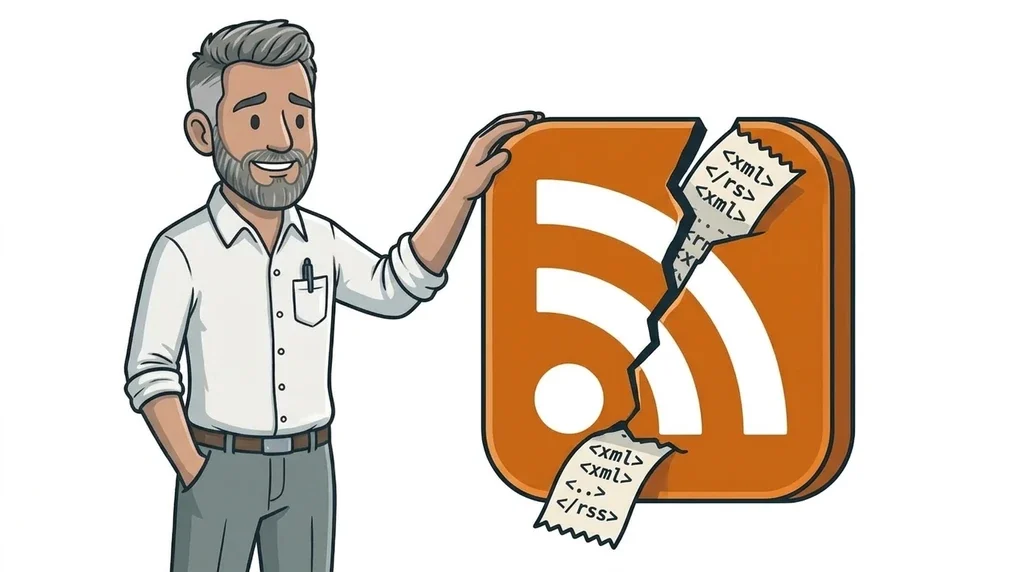
Chrome 158 removed client-side XSLT from the stable browser on 17 November 2026. If you open an RSS or Atom feed URL in Chrome and see a collapsible tree of raw XML instead of a neat page of headlines, that change is the reason. Feed readers still parse the XML. Google still reads XML sitemaps. What stopped is the old browser trick that turned some feeds into a human-readable HTML view.
For most small-business sites this is a display quirk, not a traffic emergency. It still helps to know what broke, what did not, and when a quick fix is worth doing.
What Chrome actually removed
XSLT (Extensible Stylesheet Language Transformations) is an old way to turn XML into another format, often HTML, inside the browser. For years, many RSS and Atom feeds included a processing instruction that pointed at an .xsl stylesheet. Chrome used that stylesheet so a human who pasted the feed URL into the address bar saw a readable page instead of angle brackets.
According to Chrome’s own deprecation guide, two pieces are gone:
- The
XSLTProcessorJavaScript API. - XSLT processing instructions on XML documents (
xml-stylesheetwith an XSL type).
Chrome 158 started rolling to Windows, Mac and Linux from 17 November 2026. Origin trials and enterprise policies can keep XSLT working for a while longer, but those are temporary. Chrome plans full removal later for everyone.
Firefox and WebKit have also signalled that they want XSLT out of the web platform. Treat this as a browser-wide direction, not a Chrome-only experiment.
Important nuance from the same Chrome docs: XML itself stays. CSS styling of XML via a CSS stylesheet processing instruction is not the same feature, and is not what this removal targets. The thing that broke the “pretty feed” pattern is XSLT, not XML.
Why an RSS feed can look “broken” overnight
Nothing is wrong with most WordPress or hosted feeds as machine data. The file is still valid XML. A podcast app, Feedly-style reader, or email newsletter that pulls the feed still gets the same structure.
What changed is the accidental landing page. People sometimes click a feed link on a site, or paste /feed/ into Chrome to check it works. Until this week, XSLT often dressed that URL up as HTML. Without XSLT, Chrome falls back to its built-in XML viewer. That looks technical and can feel like the site broke, even when subscribers are fine.
Chrome’s migration notes call out RSS and Atom as a common case. They suggest keeping HTML for humans and XML for machines where you can, or adding a polyfill if you still need the browser to transform the feed. Server-side transformation into HTML is the durable option when you want a readable page at a separate URL.
A short fact list for the next team chat:
- Date that matters for most visitors: Chrome 158 stable, from 17 November 2026.
- Symptom: feed URL shows raw XML or a tree view in Chrome.
- Usually unaffected: feed apps, newsletter tools, Googlebot reading a sitemap.
- Usually affected: humans inspecting the feed in a browser that relied on XSLT.
- Not the same issue as an insecure HTTP warning. We covered Chrome’s HTTP interstitial separately in Chrome warning before HTTP websites.
What this means for a small business website
If you only care that customers find you on Google and that regular readers get posts in their app, you can breathe. Search engines and feed clients do not depend on browser XSLT to understand XML.
Still check three practical places:
- Feed links in the footer or blog. If the label says “RSS” and sends people into Chrome, they may now see code. Prefer a short note that the link is for feed apps, or point humans at the blog listing instead.
- Podcast or news pages that open the feed in a new tab “to prove it works”. Train staff to use a reader, or keep a simple HTML “latest posts” page for people.
- Custom or very old sites that still use client-side XSLT as a templating layer for whole pages. That pattern is rare on modern small-business WordPress builds, but legacy trade sites and some embedded device dashboards still do it. Those need a real migration, not a shrug.
If you are mid-security hygiene after recent WordPress patches, keep that work separate. Updating core for a known flaw under attack is still more important than restyling a feed. XSLT removal is a browser change. It is not a WordPress CVE.
When we build or refresh sites through website design and development, we treat feeds as machine endpoints and keep the public blog pages as proper HTML. That split ages better than hoping every browser will keep transforming XML for you.
What to do this week (simple checklist)
- Open your main feed URL in an up-to-date Chrome window (often
/feed/or/rss/on WordPress). - If you see a readable article list, you were not relying on XSLT, or another layer is still rendering HTML. No rush.
- If you see raw XML, confirm a phone podcast app or Feedly-style tool can still subscribe. If yes, the feed still works for its real job.
- Soften any on-site copy that tells customers to “click here to read the RSS feed in your browser.”
- Keep your XML sitemap URL as XML. Do not replace sitemap.xml with an HTML page just to make Chrome look nicer. Google’s sitemap formats still expect XML, RSS/Atom or a text file, not a restyled human brochure.
- Only add an XSLT polyfill or a separate HTML mirror if staff, partners or regulators genuinely need a browser-friendly view of that exact feed URL.
If discovery and SEO are the worry behind the feed check, pair this with a calm look at Search Console. Our Search Console getting started metrics guide is a better place to judge traffic health than a raw XML tree in Chrome.
FAQ
Did Chrome delete RSS?
No. Chrome stopped applying XSLT stylesheets in the browser. RSS and Atom are still XML formats. Apps that read feeds still work.
Will Google stop reading my sitemap?
Not because of this change. Sitemaps remain XML (or other supported formats). The XSLT removal affects how Chrome presents some XML pages to humans, not whether Google can fetch a sitemap.
My feed looks like code. Are subscribers gone?
Usually no. Open the same URL in a feed reader or podcast app. If episodes or posts still appear there, the feed is fine and only the browser view changed.
Do I need a developer today?
Only if your public site depended on client-side XSLT for real pages, or if you must keep a human-readable view on the exact feed URL. Most small WordPress blogs can leave the feed alone and tidy the labelling.
If you want a calm second pair of eyes
Browser removals like this are easy to misread as “the website is broken” when the real problem is an old styling trick. If you would rather someone check the feed, the blog listing and the contact path in one pass, start with the special offer for a free website design or refresh conversation. We will tell you plainly whether this is noise, a copy tweak, or a proper fix.
No comments yet