

On 20 October 2026, Google announced a new small business hub inside Gemini, its AI assistant. Owners can teach Gemini their brand by uploading their website, logo files, fonts and colours, ask it to turn receipts and spreadsheets into charts, and connect it to Google Business Profile, Google Ads, Google Workspace and apps such as Canva, Shopify, Wix and Xero. Google says the tools are rolling out worldwide to all Gemini app users over the coming days.
For a busy owner, the appeal is clear: less admin and fewer logins. There is one catch worth knowing before you start. Gemini builds its picture of your business from your website and your Business Profile, so if either is out of date, so is everything it writes for you.
What Google announced for small businesses
Google's announcement, written by Vishnu Sivaji, Senior Director of the Gemini app, lists four main changes:
- A business landing page. A single place in the Gemini app for branding, finances and customer insights.
- Brand style memory. Upload your website, brand kit, fonts or colour palette once. Gemini keeps that style and uses Google's latest image model, Nano Banana 2.1, to produce graphics that match it.
- Help with the numbers. Gemini can turn messy spreadsheets, receipts and purchase records into charts and simple interactive models.
- Connected apps. Google Business Profile, Google Ads and Google Workspace, plus third-party tools including Adobe, Canva, Dropbox, Shopify, Wix, Zoho and Xero.
Google says tens of millions of small business owners already use Gemini. What it has not said is how much you can use these tools before hitting limits. Search Engine Watch pointed out that the announcement leaves usage allowances and third-party subscription requirements unclear, so do not assume every connection is free.
Is Gemini for small business available in the UK?
Mostly, yes, with a history worth knowing. When Google first announced the Business Profile connection in June, the UK and the European Economic Area were left out. Google's UK help page for managing your Business Profile with Gemini now says the feature is available wherever the Gemini web app is supported, and the October hub is described as a global rollout. Rollouts are gradual, so if you cannot see it yet, check again in a few days.
Who can connect a Business Profile to Gemini
The help page sets out some rules that will rule out a fair number of UK businesses for now:
- You must own or manage only one verified Business Profile. If you run two shops or manage several locations, it is not available to you yet.
- You must be 18 or over.
- You must sign in with a personal Google account. Work and school accounts are not supported yet. If you manage your listing from a Google Workspace address on your own domain, which we recommend in our guide to Google Workspace for business, you will not be able to connect it at the moment.
- Gemini's Keep activity setting must be switched on.
- It only works in the web version at gemini.google.com, not the phone app.
What Gemini can do with your Google Business Profile
Once connected, you can ask Gemini to manage your listing in plain English. According to Google's help page, it can:
- Change opening hours, including special hours for holidays and events
- Create and update food menus, photos, business attributes, your website link and booking or ordering links
- Draft replies to reviews and summarise what customers keep mentioning
- Create, schedule and publish posts
- Report on impressions, website clicks, direction requests, bookings and the search terms people used to find you
It can also set up a business notebook, which asks for your website address and then flags gaps such as missing opening hours, a missing description or no exterior photo. With Christmas trading hours coming up, that alone could save some owners a job.
One word of caution. Google has just tightened its rules on what belongs in a listing and in posts. Prices and "call now" lines are out of the listing itself, and posts carrying phone numbers or unrelated links can be removed. We covered the detail in Google Business Profile now bans prices and offers in your listing. An AI draft will not always follow those rules, so read every post before it goes live.
Why your website matters more, not less
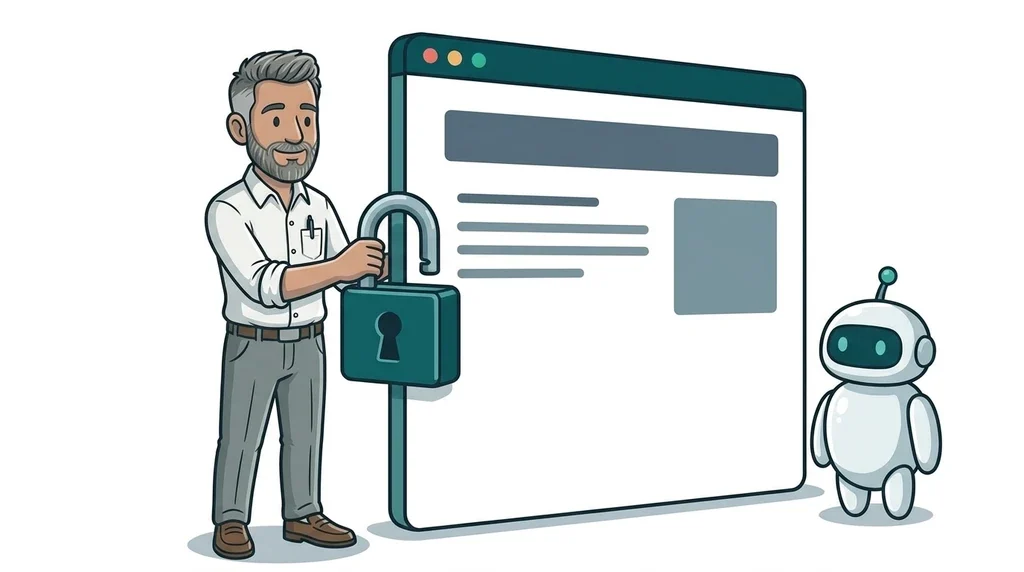
Here is the part most coverage skips. Gemini learns your brand style from your website, and the business notebook asks for your website address to understand what you do. If your site still shows an old logo, services you stopped offering or last year's prices, Gemini will happily repeat them in your posts, graphics and review replies.
That is a real risk. A study published on 20 October by website builder Looops loaded 2,441 local business websites on a phone-sized screen and found that 39.7% of London sites had at least one visible defect, the highest rate of the eight cities it tested. Script errors, broken images and out-of-date copyright years were among the most common problems.
The same pattern applies to AI search. More people now ask an AI assistant for a recommendation and then visit the business's website to check, as we explained in More customers ask AI to find a local business. Then they check you out. Whether the AI is helping you or recommending you, your website is the source of truth it reads from.
What this means for your business
If you want to try the new Gemini tools, a sensible order is:
- Check your website first. Make sure your services, prices, opening hours, contact details and photos are current. Gemini will copy what it finds.
- Tidy your Business Profile. Confirm your description, categories and holiday hours, and remove anything that breaks the new listing rules.
- Start with low-risk jobs. Drafting review replies, setting Christmas hours and making social graphics in your brand colours are good first tests.
- Be careful with sensitive data. Google's Gemini privacy hub says human reviewers may read some chats and asks people not to enter confidential information. Think twice before uploading full accounts or customer details.
- Read before you publish. Treat Gemini as a quick first draft, not the final word.
FAQ
Is Gemini for small business free?
Google says the hub and new tools are rolling out to all Gemini app users. It has not published usage limits, and some connected apps, such as Canva or Xero, may need their own paid plans.
Can Gemini update my Google Business Profile?
Yes. Once you connect your profile at gemini.google.com, Gemini can change hours, menus, photos and links, publish posts and draft review replies. You need a personal Google account and access to only one verified profile.
Is it safe to give Gemini my business information?
It is a judgement call. Gemini keeps your chats while Keep activity is on, and some may be seen by human reviewers. Avoid sharing anything confidential, and you can disconnect your Business Profile at any time in Gemini's Connected Apps settings.
Do I still need a website if Gemini can do my marketing?
Yes. Gemini uses your website to learn your brand, and customers still visit it before they call or book. An accurate, well-built site makes every AI tool you use more useful.
Next step
You do not need to become an AI expert to get value from tools like this. You just need the basics underneath to be right. If your website is out of date or you are not sure how it looks to Google and AI assistants, our website design and development and SEO and GEO services are built for exactly that. And if your site needs a fresh start, the easiest first step is our free website offer.

No comments yet