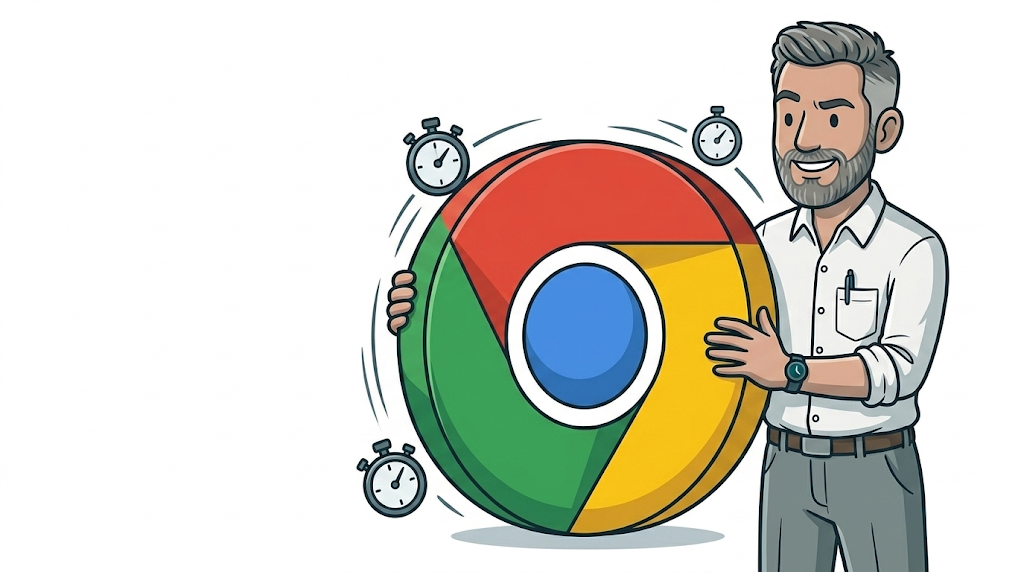
From 8 September 2026, Google Chrome is switching from a monthly release schedule to a new version every fortnight. Chrome 153 is the first release under the new cadence, with Chrome 154 following just fourteen days later on 22 September. If you run a website, or pay someone to run one for you, that’s worth two minutes of your attention — not because it’s alarming, but because “the browser most of your visitors use” just started changing twice as fast as it used to.
What’s actually changing
Chrome has shipped a new major version roughly every four weeks for years, with smaller security patches slotted in between. From Chrome 153 onward, that four-week cycle becomes two weeks, across desktop, Android and iOS. Google says the point is to get both new features and security fixes to users faster, using more automated testing to keep the shorter cycle stable. Businesses that need a slower, more predictable pace can enrol managed devices in Chrome’s “Extended Stable” channel, which keeps the old eight-week rhythm — but that’s an IT department opt-in, not something that happens by default.
Why Google is doing this
The short version: faster patching means a smaller window between a security flaw being found and a fix reaching everyone’s browser. Chrome has already been shipping weekly security patches for a while; this extends the same logic to full version releases. It’s a sensible move for user safety, and it’s not really optional for anyone — Chrome still auto-updates in the background for the vast majority of visitors to your site.
What this means for your business
For most small business websites, the honest answer is: probably nothing breaks. Chrome’s team tests heavily for backward compatibility, and a well-built, actively maintained site will sail through most releases without anyone noticing. The risk isn’t Chrome itself — it’s everything bolted onto your site that nobody’s looked at in a while: an old booking widget, a chat plugin last updated in 2023, a theme customisation done by a freelancer who’s since moved on, or a script pulling data from a third-party service that’s also changing on its own schedule.
A site like that used to have roughly a month between Chrome releases to quietly develop a problem before anyone noticed. Now it has two weeks. That doesn’t mean panic-testing your site every fortnight — it means the cost of an unmaintained site quietly going stale has gone up slightly, and it’s worth knowing whether yours falls into that category.
Signs your website might be at risk
A few practical things worth checking, or asking whoever manages your site about:
- When was your website theme, plugins or booking/e-commerce integrations last updated?
- Does anyone actually check your site in a current browser on a regular basis, or only when a customer complains?
- Do you have backups and basic monitoring in place, so a browser-related issue gets caught and fixed quickly rather than sitting there costing you enquiries?
If you don’t know the answers, that’s not a crisis — it just means nobody really owns that job for your site right now.
How to stay ahead of it without becoming a browser-update-watcher
You don’t need to track Chrome’s release notes yourself — that’s genuinely not a good use of a business owner’s time. What’s worth having is a website that’s actively looked after: kept updated, checked periodically in current browsers, and backed up, so that if something does break after an update, it gets caught in days rather than found by a frustrated customer. Having run large commercial websites for years before starting GLC, this is the same principle that applies at any scale — the sites that cause problems are the ones nobody’s watching, not the ones on old software per se.
Frequently asked questions
Do I need to test my website every two weeks now?
No — that’s more than most small businesses need. What matters is that someone checks your site periodically and keeps its software up to date, not that you personally track every Chrome release.
Will Chrome’s new update break my website?
Almost certainly not, if your site is actively maintained. The risk sits with old, unmaintained plugins, themes or third-party scripts rather than with Chrome itself.
What is Chrome Extended Stable, and do I need it?
It’s an eight-week release channel Google offers for managed business devices that want a slower, more predictable update pace. It’s an IT setup choice, not something that affects how your website behaves for visitors.
How do I know if my website is at risk?
Check when your theme, plugins and integrations were last updated, and whether anyone reviews your site regularly. If you’re not sure, it’s worth a quick look from someone who manages websites for a living.
The easy first step
None of this needs to be something you manage yourself. If reading this made you wonder when anyone last actually checked your website, GLC Web Solutions offers a free website design or refresh — no obligation to pay a thing if you’re not happy with it — as a low-pressure way to find out where your site actually stands. For businesses that would rather never think about this again, our website design and development service includes an ongoing managed option with regular reviews built in, so updates like Chrome’s new cycle are someone else’s job, not yours.
If you’re curious how AI-powered browsers fit into this same shift, we covered Comet, Atlas, Dia and Claude for Chrome in an earlier post.
Contact Gareth at GLC Web Solutions to talk it through — straight answers, no sales script.