
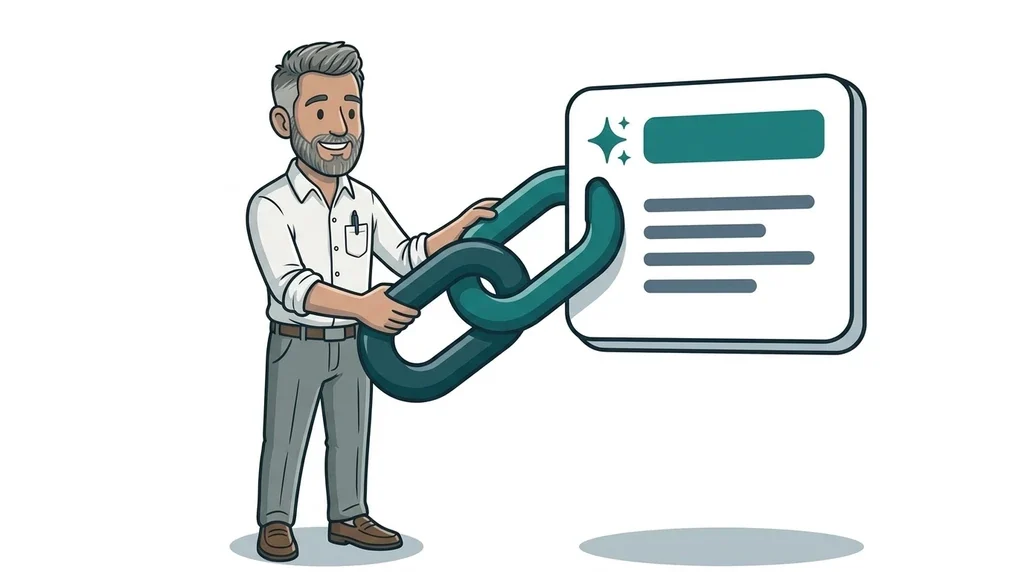
On 15 October 2026 Google announced a batch of changes to AI Overviews and AI Mode, the AI-written answers that now appear at the top of many searches. The short version is that those answers will carry more links to real websites, placed higher up, and Google is testing a new section that sends people straight to the official page for a task.
For a small business that is a welcome change. AI answers have spent the past year keeping people on Google rather than sending them to you. More links means more chances to be visited, but only if Google can easily tell which of your pages is the right one.
What Google changed on 15 October
Google's announcement, written by Hema Budaraju (Google's VP of Product Management), lists five updates. In plain English:
- More links inside the answer. Google says it has substantially increased the number of inline links (clickable words or phrases within the AI text) and will show them nearer the top of the answer more often.
- An "official links" section, in testing. When only one or two places on the web can actually complete a task or give the definitive answer, Google is trialling a dedicated block at the top of the response that lists those pages and explains why each is useful.
- News carousels in more countries. The rows of timely articles that appear in AI answers are rolling out to more locations and languages, and they highlight any sites a searcher has chosen as a Preferred Source.
- Bigger "related articles" links. Links at the end of an answer are getting image thumbnails and a more clickable design.
- Clickable creator names on videos. In AI Mode, Google is testing links from creator and publisher names on video results to their Google Search profiles.
Google also said use of its Preferred Sources feature, which lets people pick the websites they want to see more of, has grown more than seven times since January.
The official links test is the one to watch
Most of these changes matter more to publishers and news sites. The official links test is different. It is aimed squarely at searches where someone wants to get something done.
The Verge noted that Google's own example was a query about getting an airline refund, where there are only one or two pages that can actually help. Now think about how your customers search. "Book a boiler service with [your company]", "dog walking prices in [your town]" or "request a quote for a garden room" are all tasks with a clear destination. If Google's test becomes a permanent feature, the business with the clearest page for that task is the one that gets the prominent link.
It is worth being clear that this part is still a test. Google has not said when, where or for which searches it will appear. Nothing here guarantees your site a spot.
Will people actually click?
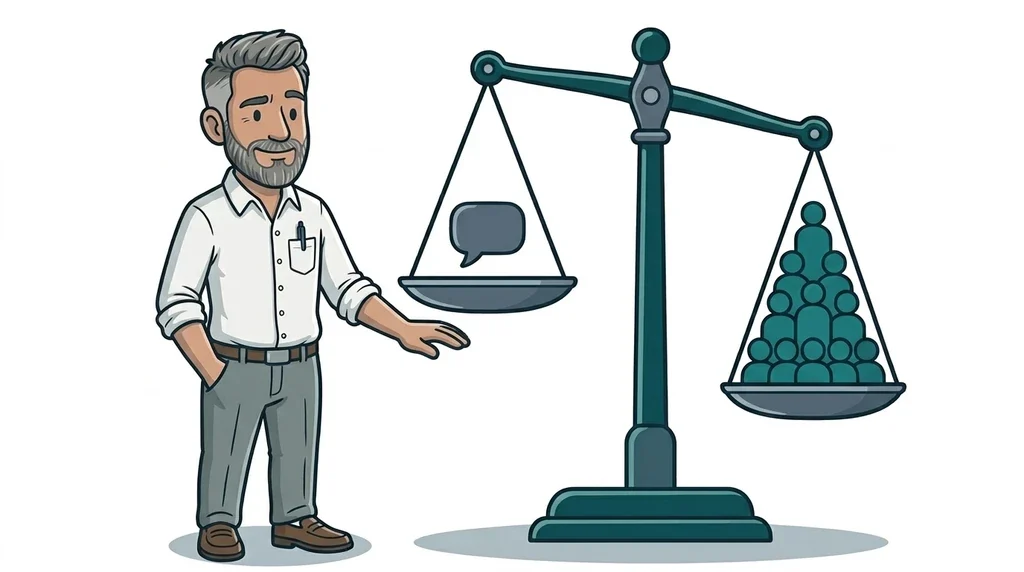
That is the honest question. Barry Schwartz at Search Engine Land welcomed the effort but doubted that people who already have a full answer will click through in large numbers. He also pointed out that Google still does not show clicks from AI features separately in Search Console.
We covered this gap recently when Google opened up its AI Overview impressions report in Search Console. You can now see when your pages appear in AI answers, but not how many people clicked from them. So treat this update as a better chance of being seen and visited, not a promise of extra traffic.
What this means for your business
The good news is that none of this needs new tricks or special code. Google's own guidance on AI features says a page must be indexed and eligible to show in normal results with a snippet before it can be used as a link in an AI answer. The work is the same groundwork that good websites have always needed, just with sharper focus.
Give every customer task one clear page
Write down the handful of things customers come to your site to do. That might be booking, getting a quote, checking prices, finding your opening hours or seeing which areas you cover. Each of those deserves one obvious page with a clear title and heading. If you have three half-finished pages that all touch on pricing, Google has to guess. Merge them into one strong page instead.
Say the obvious in plain words
AI answers pull from text they can read and trust. State what you do, where you do it, roughly what it costs or how pricing works, and what the next step is. Put it in normal sentences on the page, not hidden in an image or a PDF. Our guide to optimising your website for GEO goes through this in more detail.
Make sure Google can reach those pages
Check in Search Console that your key pages are indexed. Look for accidental "noindex" tags, pages blocked in your robots file, or booking pages that only work behind a login. These are common on older sites and quietly stop a page from ever being chosen.
Keep your details consistent
Your business name, phone number, address, hours and service areas should match on your website and your Google Business Profile. When Google is deciding which page is the official one, consistency is a strong clue.
Check the page works on a phone
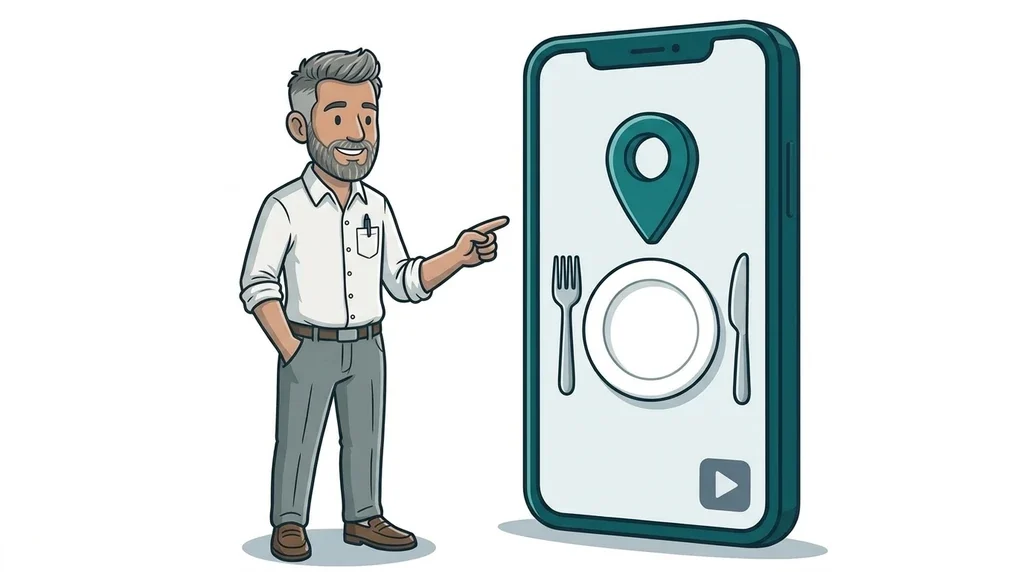
A prominent link is wasted if the page is slow, the form fails or the call button does nothing. Open each task page on your phone and go through the steps a customer would.
A quick check you can do this week
- Search Google for your business name plus a task, such as "book", "prices" or "contact".
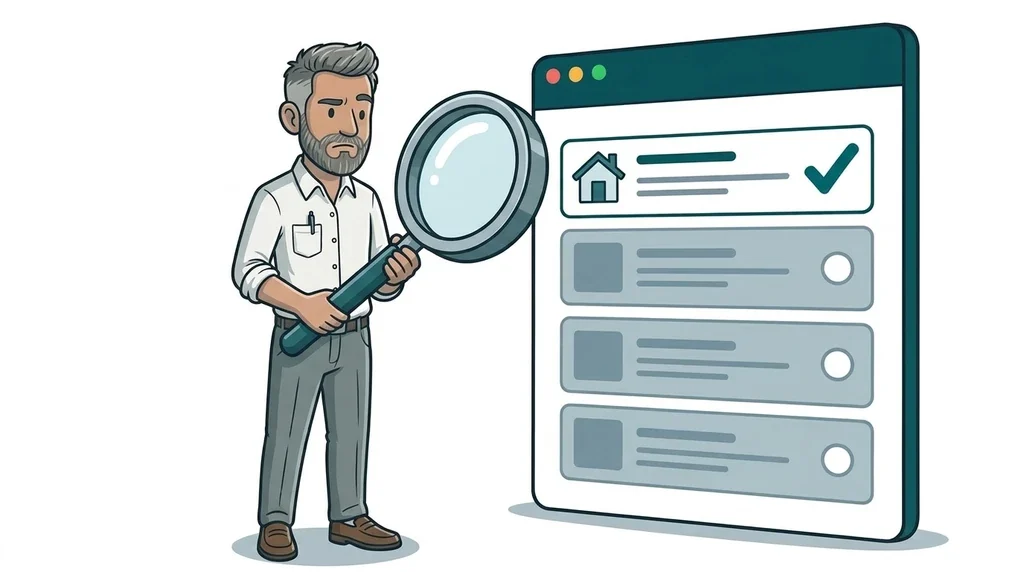
- If an AI answer appears, note which websites it links to and whether yours is one of them.
- Repeat for your main service plus your town.
- Wherever a competitor or a directory is linked instead of you, look at their page. It usually answers the question more directly.
- Fix your weakest task page first, then work through the rest.
If you would like a hand with this, our SEO and GEO services include exactly this kind of review. If the problem turns out to be an old or confusing site, that is where website design and development comes in.
FAQ
How do I get my website linked in Google AI Overviews?
There is no switch to flip. Make sure your key pages are indexed in Search Console, that each one answers a clear customer question in plain text, and that your business details are consistent across the web.
Do I need special code or schema for AI Mode?
No. Google says there is no special markup required for its AI features. Structured data can still help Google understand your business, but it has to match what is visible on the page.
What are Preferred Sources?
It is a Google setting that lets searchers choose websites they want to see more often in news results and AI answers. It matters most for publishers, but a local business that publishes useful updates can benefit too.
Is the official links section live in the UK?
Google describes it as a test and has not published a list of countries. AI Overviews and AI Mode are both available in the UK, so it is sensible to get your pages ready now.
Next step
If this has raised questions about how your own site would fare in Google's AI answers, the easiest first step is our free website offer. We will take an honest look at what needs attention, with no hard sell.
No comments yet