
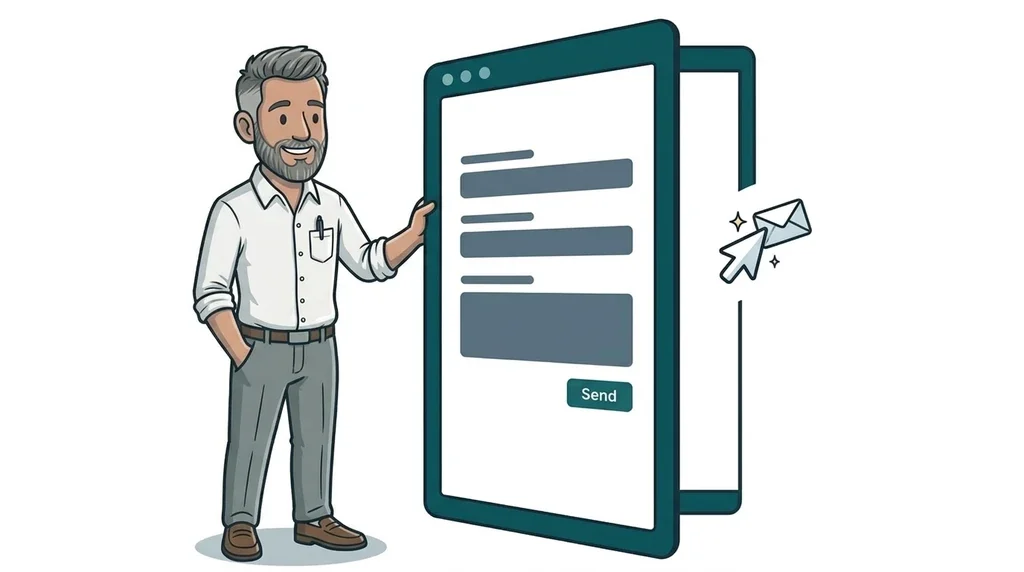
On 15 October 2026 OpenAI updated its ChatGPT extension for Google Chrome so that ChatGPT can read a person's open tabs and, in its Work mode, fill in forms, send messages and download files for them. Two days later The Verge reported that big websites, including Amazon, Yelp, Delta Air Lines and some US banks, are blocking these AI agents.
For a small business the question is simple. If a customer asks an AI agent to request a quote or book an appointment with you, does your website let it through? Some sites are turning these visitors away by accident, through spam filters and bot checks that were never designed with them in mind.
What changed this month
AI agents are tools that do things online for a person, rather than just answering questions. The key facts from the past fortnight:
- ChatGPT now works inside your customers' browser. OpenAI's browser extension guide says ChatGPT can read or act on websites in Chrome, Edge, Brave, Opera and Vivaldi. OpenAI's own example prompts, reported by 9to5Google, include comparing contractors across open tabs and then emailing the best one, and filling in a new patient form for a dentist.
- It is not just OpenAI. Meta's Muse, xAI's Grok and OpenAI's separate Dots agent are all sold as assistants that book, order and reorder things on someone's behalf.
- Some big sites are saying no. TechCrunch reported on 6 October that Amazon had started blocking Meta's Muse, that Yelp only allows agents that pay for its data licensing programme, and that Delta has no arrangement for third-party agents to book its flights. The Verge's 17 October round-up added JPMorgan Chase and Charles Schwab, which block agents from customer accounts on security grounds.
- Others are opening the door. Walmart is a Muse partner and told TechCrunch it wants to be wherever its customers are. Meta and the customer service firm Sierra are also developing the Personal Agent Protocol, a draft open standard for how personal agents identify themselves and work with businesses. Shopify, Stripe and Walmart are among the partners.
Why some blocks are accidental
Not every block is a business decision. TechCrunch found that some Walmart shoppers using Muse were stopped by a "prove you are human" button, even though Walmart had partnered with Meta. The check failed and the agent was thrown out.
That is the part that matters for small firms. Most small business websites do not set out to block anyone. They do have spam protection on contact forms, security plugins, and hosting or firewall settings that challenge anything that looks automated. An AI agent filling in a form for a customer can look a lot like a spam bot.
Big brands can absorb a few lost bookings while they work out a policy. A plumber, a dog walker or a garden room builder cannot. If someone asks ChatGPT to get quotes from three local electricians and your form quietly fails, the job goes to the next name on the list. You will never know it happened.
Should a small business block or welcome AI agents?
For most local service businesses the honest answer is to welcome them, with sensible limits. Meta's announcement, quoted by TechCrunch, put it this way: "Turning away a personal agent means turning away the customer behind it." Meta has its own agent to promote, so treat that with some caution. The logic still holds for a small firm, because an agent only fills in your enquiry form when a real person has asked it to contact you.
There are still good reasons to be careful:
- Spam is real. Many sites already get floods of junk form submissions. You still need protection.
- Accounts and payments need a human. If customers log in to manage bookings or pay online, it is reasonable to ask a person to confirm sign-in and payment. OpenAI's own example prompts end form tasks with "stop before submitting", so the customer usually makes the final click anyway.
- Agents are not the same as AI crawlers. A crawler copies lots of pages to train an AI model or build a search index. An agent visits one page for one person, right now. Cloudflare, which protects a large share of the web, now treats these as different groups. Its verified bots documentation lists Search, Agent and Training as separate presets you can act on, on every plan. You can block training crawlers and still let agents through.
TechCrunch also noted that some people suspect a Cloudflare default change on 15 September is behind some of the recent agent blocks. Cloudflare said it had no specific data to share. Either way, it is worth checking what your own settings actually do rather than assuming.
What this means for your website
You do not need to rebuild anything. You do need to know what happens when a non-human visitor tries to contact you.
Check your bot and firewall settings
If your site uses Cloudflare, look at the AI bot settings and make sure the Agent category is not blocked by default. If your hosting company or a security plugin handles this, ask them directly whether AI agents acting for real people can reach your contact and booking pages. Security still matters, as our post on the September 2026 WordPress security update explains, but it should not cost you genuine enquiries.
Make your forms easy for any visitor
The things that help an agent are the same things that help a person on a phone or using a screen reader:
- Give every form field a clear, visible label, such as "Full name", "Postcode" or "Preferred date".
- Use standard form fields rather than custom widgets that only work with a mouse.
- Try a light-touch spam check, such as a hidden honeypot field, before reaching for a puzzle CAPTCHA.
- Keep forms short. Ask only for what you need to reply.
- Show a clear confirmation message once the form is sent, so the agent and the customer can both tell it worked.
Keep the facts in plain text
Agents compare businesses by reading your pages. If your prices, service area and opening hours sit inside an image or a PDF, an agent may skip you. It is the same advice we gave in our post on AI shopping agents, and it applies to service businesses just as much as shops.
Keep an eye on what comes next
Google is trialling a proposed web standard called WebMCP, which lets a website label its forms so an agent knows exactly what each field is for. It is experimental and the details will change, so there is nothing to do yet. It is a clear sign of where browsers are heading, alongside Chrome's faster update cycle.
A quick test you can do this week
- Install the ChatGPT extension in Chrome, or ask a friend who already uses it.
- Open your own website and ask ChatGPT to fill in your contact form with test details, and to stop before submitting.
- Note whether it found and completed every field.
- Submit one test enquiry yourself and check it lands in your inbox.
- If anything failed, look at your spam plugin, CAPTCHA and firewall settings first.
This sits alongside the checks in our post on how customers ask AI to find a local business and then check you out. AI may find you first, but your website still has to do the work.
FAQ
Do AI agents count as spam?
Not necessarily. An AI agent filling in your form is usually acting for a real person who asked it to get in touch. Spam bots send junk at scale. Good spam protection should stop the second without blocking the first.
Should I block AI bots on my website?
You can block AI training crawlers if you prefer, but think carefully before blocking agents. Services such as Cloudflare now let you treat training, search and agent traffic separately, so the choice is yours.
Can AI agents book appointments with my business?
They can already fill in standard web forms, and the big AI companies are working on ways for agents to sign in and complete bookings with the customer's permission. For now, most hand the final step back to the person.
Does this affect UK businesses?
The blocks reported so far are at US companies. The spam filters and bot checks behind most accidental blocks are just as common on UK websites, so it is worth testing your own site now.
Next step
If you would like a second pair of eyes on how your site handles AI agents, our digital and AI consultancy can check your forms, security settings and page content in one go. If your site needs more than a tweak, website design and development is where we come in. The easiest first step is our free website offer, an honest look at what would make the biggest difference to your site, with no hard sell.

No comments yet